Creating a well-organized home office can significantly enhance your productivity and comfort. Whether you’re working remotely, freelancing, or managing household tasks, a tidy and thoughtfully arranged space helps you stay focused and feel motivated. Here are practical tips to help you organize your home office effectively.
Choose the Right Location
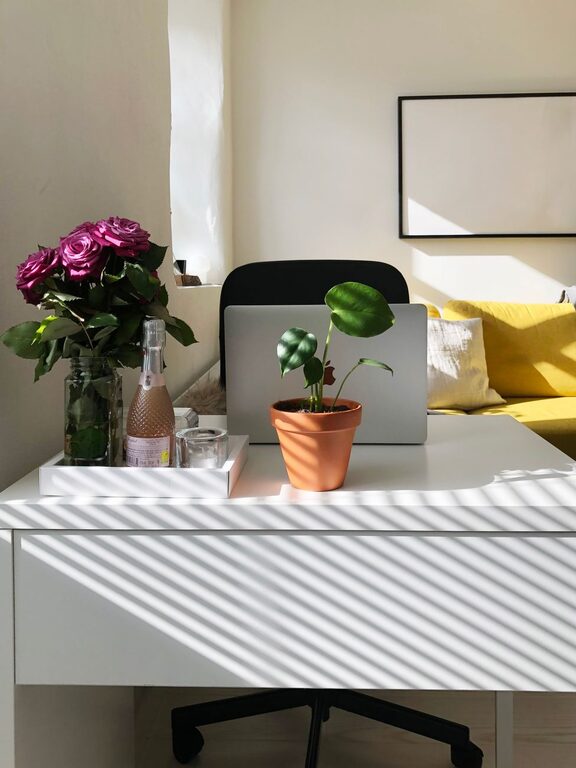
Start by selecting a quiet, well-lit area dedicated solely to your work. Ideally, this space should be separate from high-traffic zones to minimize distractions. Natural light is best for comfort and focus, so choose a spot near a window if possible.
Declutter Your Desk and Surroundings
A cluttered workspace can hinder your ability to concentrate. Take time to clear your desk and remove items that you don’t use regularly. Keep only essential tools within reach, such as your computer, notebook, pens, and a few personal items that inspire you.
Tips for Decluttering
– Sort items into “keep,” “store,” and “discard” piles.
– Use cable management solutions to reduce tangled cords.
– Limit personal decorations to one or two meaningful items to avoid visual noise.
Invest in Functional Storage Solutions
Having the right storage options helps keep your office neat and your supplies organized. Consider the following:
– Shelves for books, binders, and décor.
– Drawers for stationery and documents.
– Bins or boxes for miscellaneous items.
– Desk organizers for pens, paper clips, and sticky notes.
Labeling your storage containers can also save time when searching for materials.
Create a Comfortable and Ergonomic Setup
Comfort affects both your health and productivity. Set up your workstation with ergonomics in mind:
– Use a supportive chair with adjustable height and lumbar support.
– Position your monitor at eye level to reduce neck strain.
– Keep your keyboard and mouse at a comfortable height to avoid wrist fatigue.
– Add a footrest if needed to maintain good posture.
Manage Your Digital Workspace
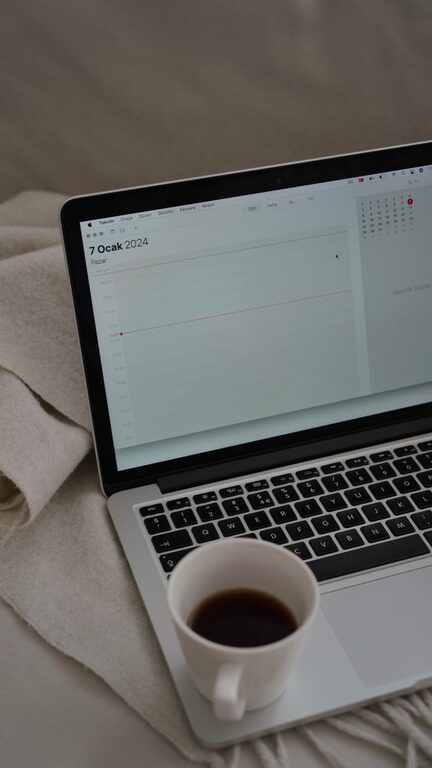
Organizing your digital tools is just as important as physical organization. Keep your desktop files sorted in clearly named folders. Use productivity apps or calendars to schedule tasks and reminders. Avoid opening too many tabs at once to reduce mental clutter.
Personalize Your Space Thoughtfully
A personalized workspace can keep you inspired, but it’s important to strike a balance. Choose a few items that motivate you, such as plants, artwork, or photos of loved ones. Adding greenery not only beautifies the area but also improves air quality.
Maximize Lighting for Productivity
Good lighting reduces eye strain and sets a positive mood. Incorporate a combination of natural light, overhead lighting, and task lighting. A desk lamp with adjustable brightness lets you control the light intensity depending on the task.
Maintain Your Organized Space Regularly
Organization is an ongoing process. Set aside a few minutes at the end of each day to tidy your desk and put things back in order. Weekly or monthly deep cleans help keep clutter from building up.
Use a Planner or To-Do List System
Keeping track of deadlines and daily tasks in a planner or to-do list increases efficiency. Whether you prefer digital apps or paper notebooks, having a clear plan reduces stress and helps prioritize work.
Minimize Noise Distractions
If noise disrupts your concentration, consider noise-canceling headphones or white noise machines. Alternatively, find background sounds that help you focus, like soft music or nature sounds.
—
By applying these tips, you can create a home office that not only looks appealing but also supports your workflow. A well-organized, comfortable space makes it easier to stay productive and enjoy your workday from home.
About the Author