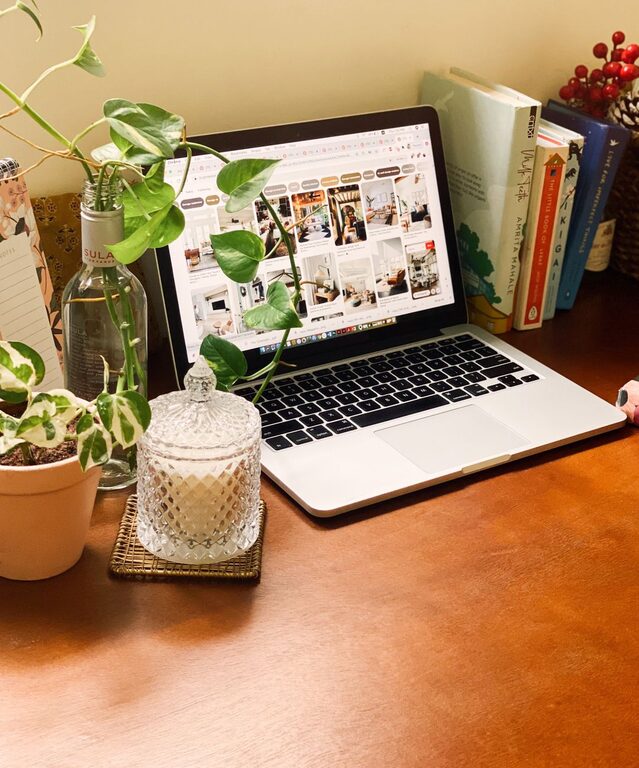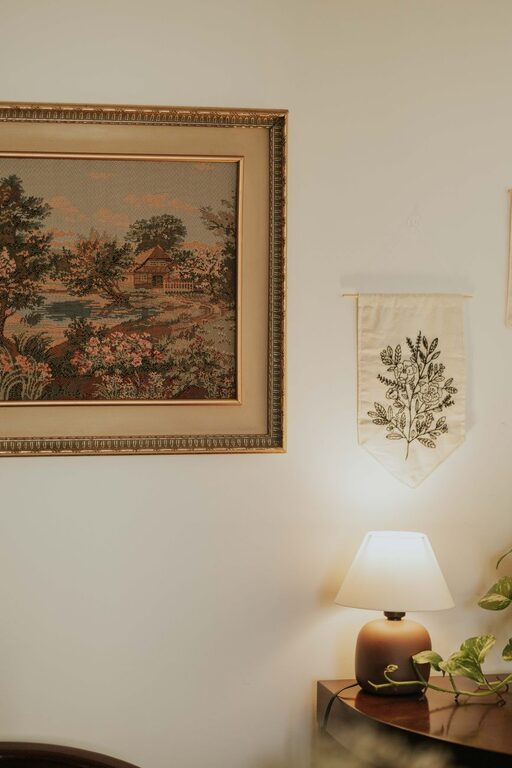

Creating a productive home workspace is essential for anyone who works remotely or spends time on personal projects at home. When your workspace is organized, comfortable, and free of distractions, it becomes easier to focus and get things done. In this article, we’ll explore practical tips for organizing a home workspace that supports efficiency and helps maintain a healthy work-life balance.
Choose the Right Location
Before diving into organization, pick a spot in your home that suits your work needs.
– Quiet area: Select a space away from heavy foot traffic to minimize interruptions.
– Good lighting: Natural light is ideal, but if that’s not possible, use a bright, adjustable desk lamp.
– Space availability: Ensure there’s enough room for your desk, chair, and any equipment you need.
Invest in Ergonomic Furniture
Comfort plays a big role in productivity. An ergonomic setup can reduce discomfort and health issues.
– Desk: Use a desk at a comfortable height that allows your elbows to be at about a 90-degree angle.
– Chair: Choose a chair offering good lumbar support and adjustable height.
– Monitor position: Place your computer screen at eye level to avoid neck strain.
Declutter and Organize Your Desk
A cluttered workspace can distract you and increase stress. Keeping things tidy helps maintain focus.
– Minimal essentials: Keep only frequently used items on your desktop.
– Storage solutions: Use drawers, shelves, or organizers to store supplies and paperwork.
– Cable management: Use clips or sleeves to keep wires neat and out of the way.
Establish Zones in Your Workspace
If your space allows, divide your workspace into zones to keep tasks organized.
– Work zone: Your desk area where you focus on computer or paperwork.
– Supply zone: Place office supplies and materials within easy reach but not on the desk.
– Break zone: If possible, have a spot nearby to stretch or relax during breaks.
Use Digital Tools for Organization
Beyond physical organization, digital tools can help keep your tasks and ideas in order.
– Task managers: Apps like Trello, Todoist, or Microsoft To Do help you prioritize and track your work.
– Calendar apps: Schedule meetings and deadlines to maintain a routine.
– Note-taking tools: Use apps like Evernote or OneNote to keep important information handy.
Personalize Your Space Wisely
Adding personal touches can make your workspace inviting but avoid overdecorating.
– Inspiring elements: A plant, artwork, or motivational quotes can boost mood.
– Avoid distractions: Limit items that might draw your attention away from work.
Optimize for Connectivity and Power
Ensure your workspace supports seamless work without technical interruptions.
– Strong internet connection: Use a reliable Wi-Fi network or wired connection.
– Accessible outlets: Position your desk near power sources or use power strips.
– Backup options: Keep a portable charger or uninterruptible power supply handy if needed.
Maintain a Clean Workspace Routine
Organization is an ongoing effort. Dedicate time to keep your space tidy.
– Daily tidying: Spend 5 minutes at the end of each day clearing your desk.
– Weekly deep cleaning: Organize files, dust surfaces, and wipe equipment.
– Review supplies: Regularly check and restock essential items to avoid last-minute rushes.
Set Boundaries to Reduce Distractions
When working from home, it’s easy to get interrupted.
– Communicate: Let family or housemates know your work schedule and boundaries.
– Use headphones: Noise-canceling headphones can help block background noise.
– Limit phone notifications: Turn off nonessential alerts during work hours.
Adjust Lighting and Temperature
Your comfort is key to maintaining focus throughout the day.
– Natural light: Whenever possible, work near a window for mood benefits.
– Artificial light: Use adjustable lighting to reduce eye strain.
– Temperature control: Keep your workspace at a comfortable temperature to avoid discomfort.
—
By thoughtfully organizing your home workspace, you create an environment that supports productivity and well-being. Take your time to customize your setup according to your unique needs and preferences. With a tidy, comfortable, and distraction-free space, you’ll find it easier to maintain focus and accomplish your goals.
About the Author