Creating a home office that is both cozy and productive can make a big difference in how you work and feel throughout the day. Whether you’re working remotely full-time or just need a dedicated spot for occasional tasks, the right environment can help you stay focused and comfortable. In this post, we’ll explore practical tips to design a home office space that balances relaxation and efficiency.
Why a Cozy and Productive Home Office Matters
A comfortable workspace encourages longer, more focused work sessions while reducing stress. On the other hand, an organized and functional setup helps you stay on task and complete projects efficiently. Combining these two elements creates a space you want to spend time in — no matter the work you do.
Choosing the Right Location
Start by selecting a spot in your home that fits your needs. Here are some considerations:
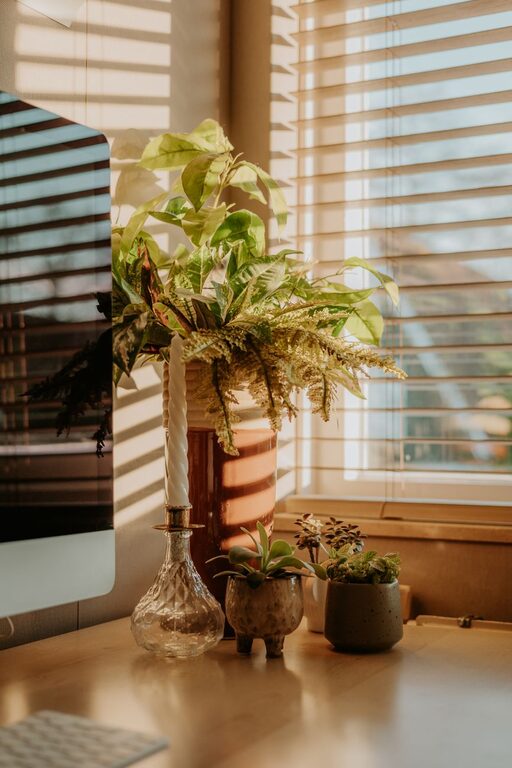
– Natural Light: Choose a place near windows, if possible. Natural light improves mood and reduces eye strain.
– Quiet Area: Find a space with minimal noise and foot traffic to help minimize distractions.
– Adequate Space: Ensure there’s enough room for your desk, chair, and any equipment you need.
If a dedicated room isn’t available, a corner of a living room or bedroom can work well too.
Setting Up Your Desk and Chair
Your desk and chair are essential for comfort and productivity.
– Ergonomics: Invest in an adjustable chair that supports good posture. Your feet should rest flat on the floor, and your arms should bend at a 90-degree angle while typing.
– Desk Size: Choose a desk spacious enough to hold your computer, notes, and other essentials without feeling cluttered.
– Standing Options: Consider a sit-stand desk or a converter to alternate positions during the day.
Organizing for Efficiency
Clutter can distract and slow you down. Keeping your desk and office organized is key.
– Storage Solutions: Use shelves, drawers, or filing cabinets to store supplies and papers.
– Desk Accessories: Incorporate items like pen holders, cable organizers, and trays to keep everything in place.
– Digital Organization: Maintain a clean computer desktop and file system to find digital documents quickly.
Lighting: Balance Function and Ambiance
Good lighting is important for reducing fatigue and setting a pleasant mood.
– Task Lighting: Use a desk lamp to illuminate your work surface.
– Ambient Lighting: Combine overhead lights with softer lamps to create warmth.
– Control Glare: Position screens perpendicular to windows or use curtains/blinds to prevent glare.
Adding Cozy Touches
Creating a welcoming atmosphere helps you enjoy working at home.
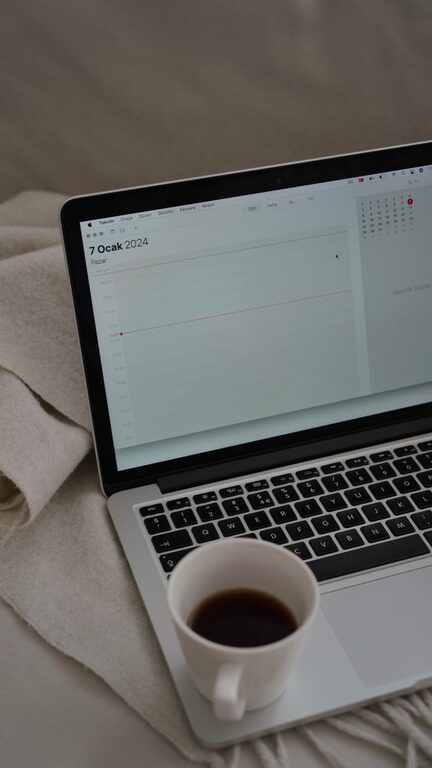
– Soft Textiles: Add cushions, rugs, or blankets to soften the space.
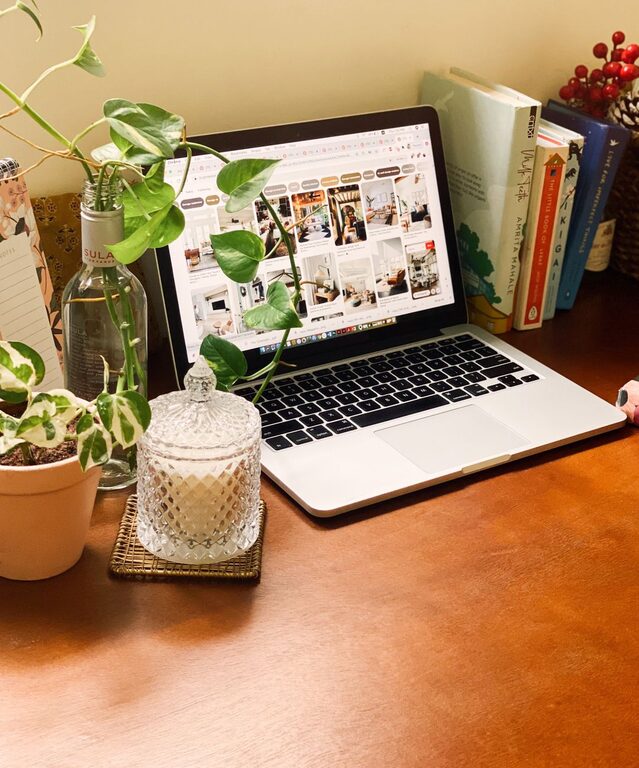
– Plants: Include some greenery to enhance air quality and add a natural element.
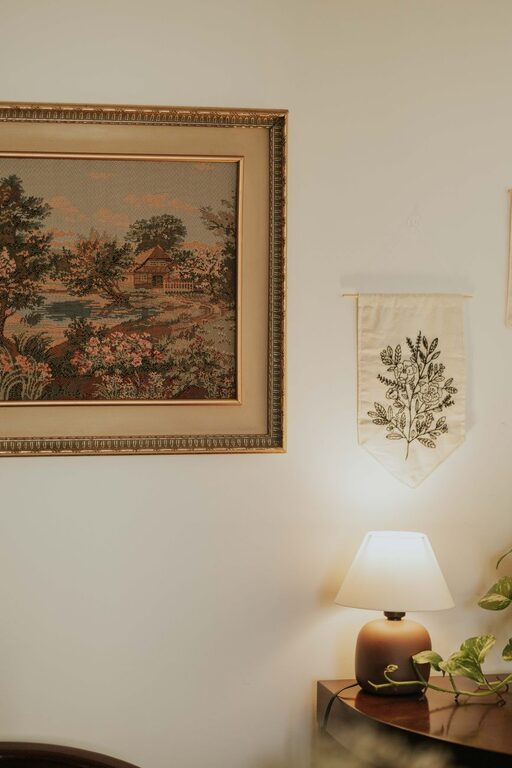
– Personal Decor: Display photos, artwork, or objects that inspire and motivate you.
Technology and Connectivity
Reliable technology supports smooth workflows.
– High-Speed Internet: Ensure your internet is fast and stable for video calls and downloads.
– Charging Stations: Set up easy access to chargers for devices.
– Headphones: Use noise-cancelling headphones if your environment is noisy.
Establishing Boundaries
Work-life balance is crucial when working from home.
– Set Hours: Define your working hours to avoid overworking.
– Designate Workspace: Keep work materials in one spot to help mentally separate work from leisure.
– Take Breaks: Use your cozy space to take short breaks and recharge during the day.
Maintaining Your Space
Keeping your home office tidy and inviting is an ongoing process.
– Daily Cleanup: Spend a few minutes at the end of each day to organize your desk.
– Review Setup: Periodically evaluate if your space meets your needs and make adjustments.
– Replace or Repair: Keep chairs, lighting, and equipment in good condition.
—
By thoughtfully designing your home office with comfort and productivity in mind, you’ll create a space that supports your best work while making your day more enjoyable. Start small with a few changes and build your perfect home workspace over time!
About the Author